
Turn Maintenanceinto Revenue
Automate your visual QA and send white-label reports that justify your monthly retainer fees. Stop just fixing bugs—start proving your value.
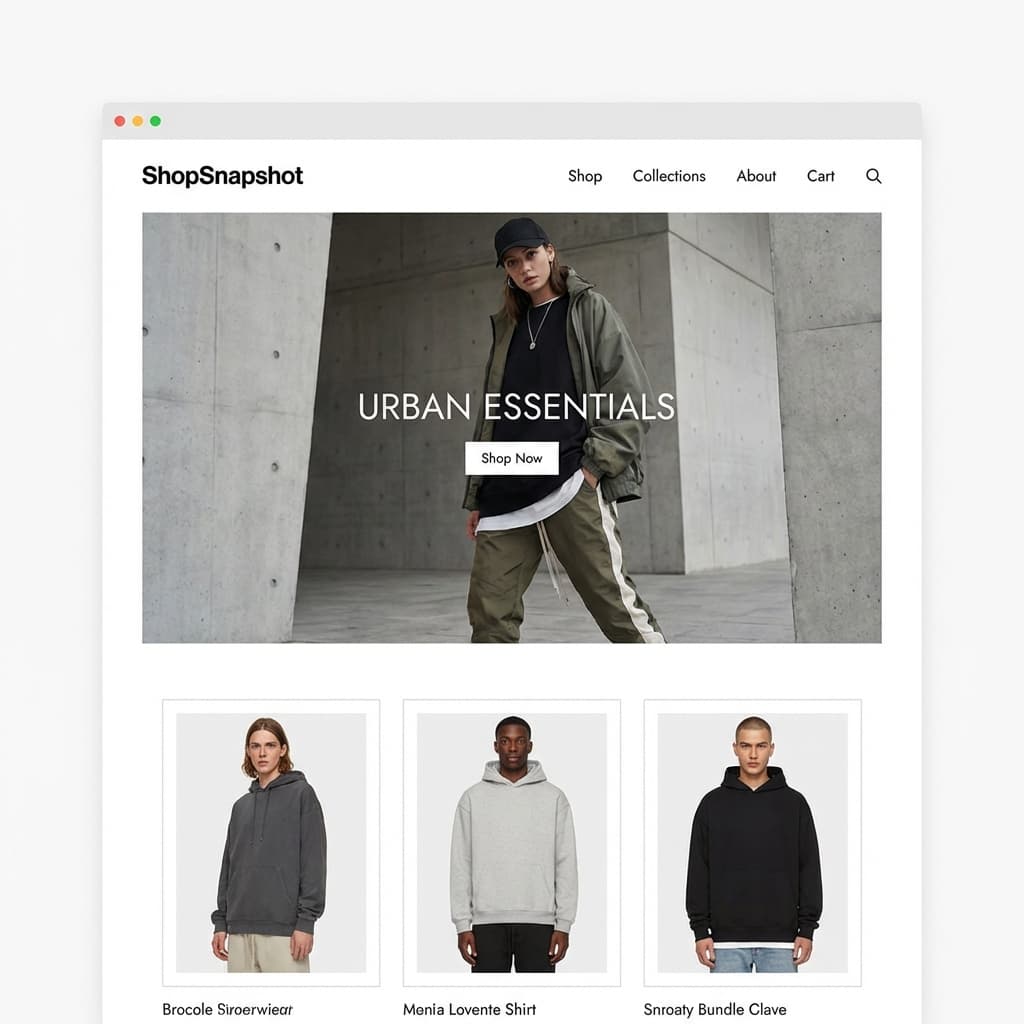
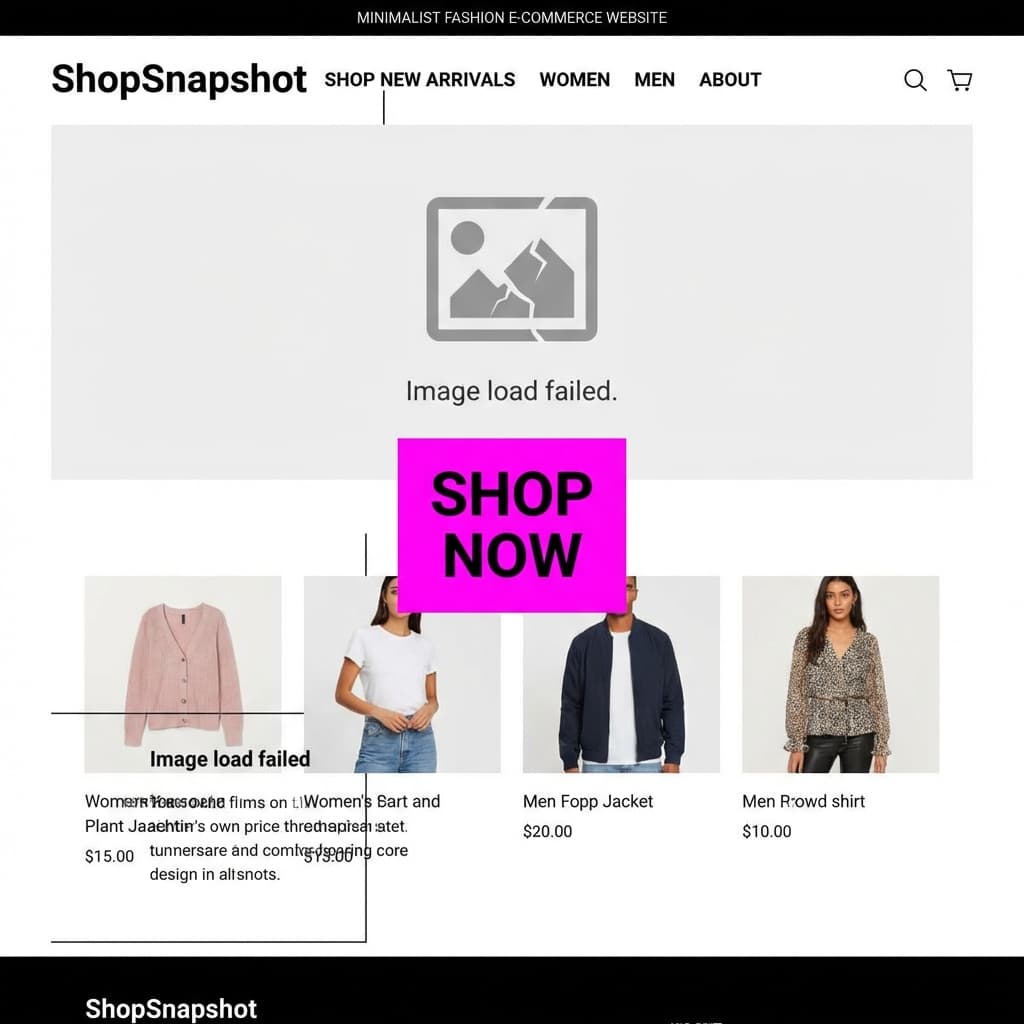
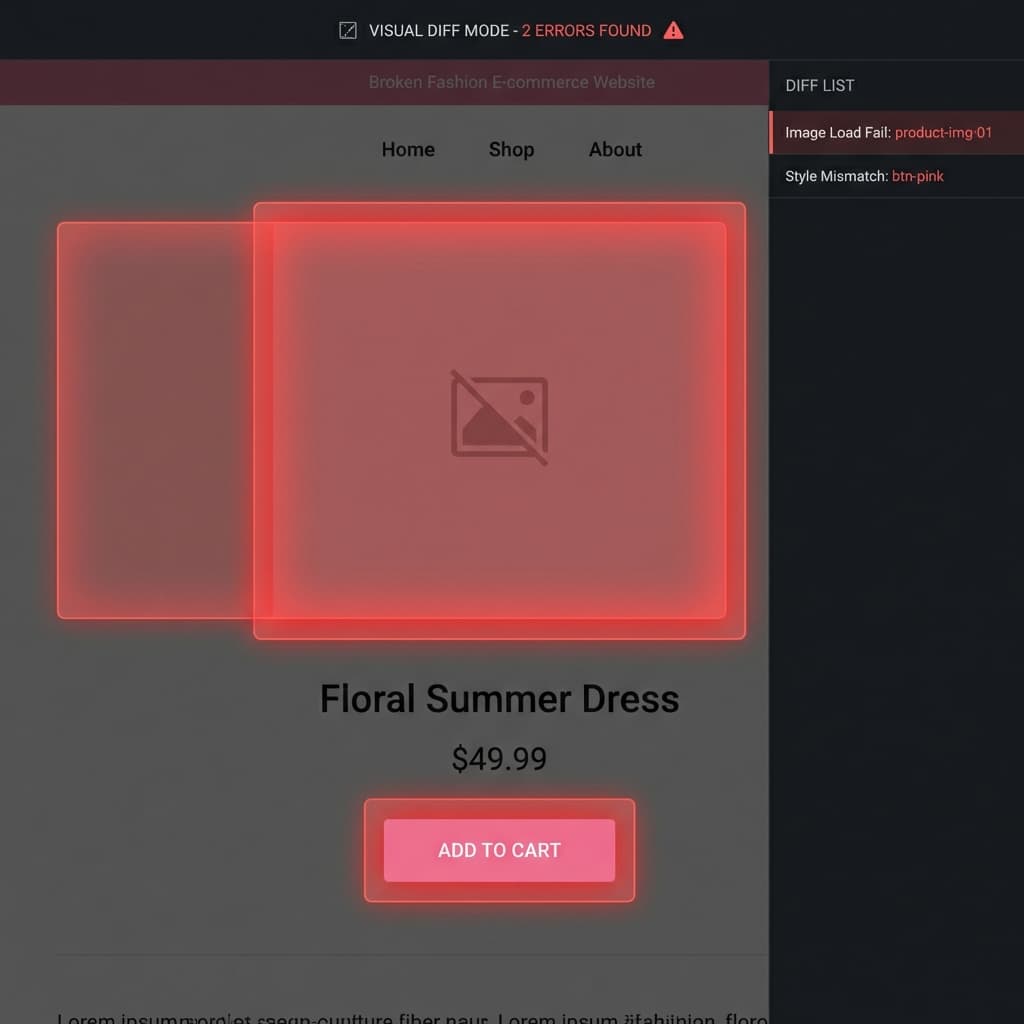
🚨 Chaos Detected! Visual regression found.
🔴 SiteSnapshot: Hero Image broken on /home
[Alert] 2 Visual Bugs Detected...




Because '200 OK' Isn't Enough.
Traditional monitoring only checks if your server is alive. We visually verify that your business is open.
The Silent Revenue Killers
Your server logs say everything is fine. Your customers see something else.
The White Screen of Death
A JavaScript error crashes your React app. The server still returns a "200 OK" status code because the HTML file loaded. But your users see a blank white screen. Traditional ping monitors miss this 100% of the time.
Broken Mobile Layouts
Your site looks great on your MacBook. But on an iPhone, the "Buy Now" button is covered by a popup, or the menu is broken. You lose mobile sales every minute this goes unnoticed.
The SiteSnapshot Advantage
We don't just ping. We look.
Visual First
We render your site in a real Chrome browser and take a high-resolution screenshot. You get visual proof of exactly what your site looked like at that moment.
Mobile Aware
More than 50% of web traffic is mobile. We explicitly check your site's mobile viewport to catch responsive design failures that desktop checks miss.
Agency Grade
Manage multiple clients? Our reports are professional, clean, and provide the evidence you need to show clients their sites are being cared for.

Our Philosophy
Peace of Mind
You shouldn't have to manually check your site every morning. We do it for you.
Fast is Better
We optimize our own site and our checks to be lightning fast. No bloat.
Transparent Pricing
No hidden fees. No "Contact Sales" for basic features. What you see is what you get.
Visual Evidence
Data is good. Pictures are better. We believe in showing, not just telling.
See SiteSnapshot in Action
Experience the power of automated visual monitoring. Explore our comprehensive toolset below.
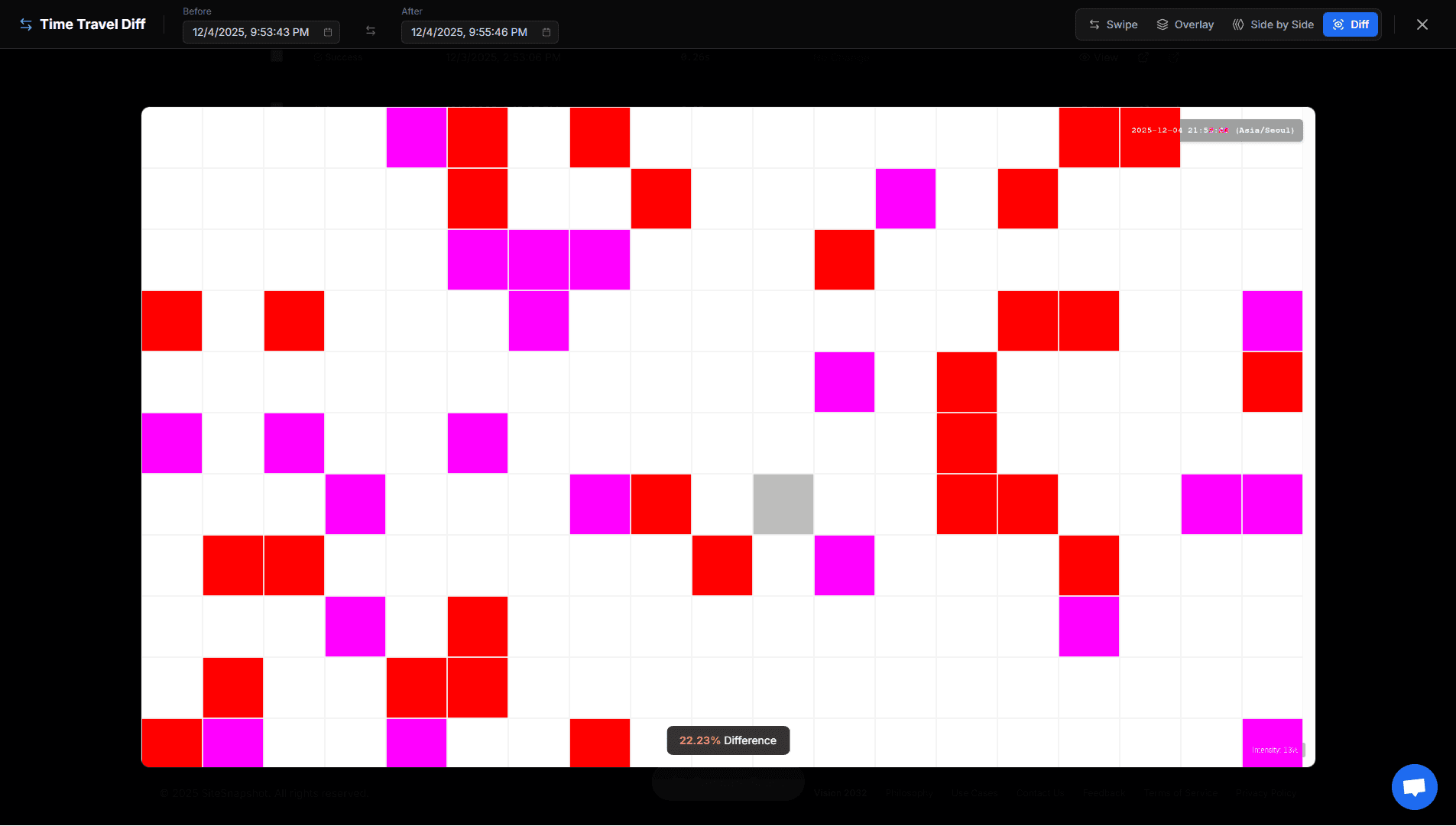
Precision Diff
Our advanced diffing engine highlights exactly what changed, ignoring false positives.
* Features shown may vary depending on the subscription plan. Service availability and features are subject to change at the company's discretion.
Real-World Scenarios
See how SiteSnapshot solves specific problems for developers and agencies.
Monitor Mobile Layouts While Editing
"I changed a CSS class on desktop, but it completely broke the mobile menu."
It's impossible to check every page on your phone every time you make a change. SiteSnapshot acts as your automated mobile tester.
- Detect horizontal scrolling issues instantly
- Verify hamburger menus and touch targets
- Get a daily "Mobile Health Check" in your inbox
Manage Up to 100 Client Sites Without Stress
"My client called to say their site was down... I had no idea."
For agencies, reputation is everything. Don't wait for your client to report a bug. With SiteSnapshot's Agency Dashboard, you can see the visual status of all your client sites in one glance.
- Single dashboard for all client URLs
- White-labeled reports (Coming Soon)
- Proactive alerts before clients notice
Verify 3rd Party Scripts & Ads
"The ad banner was covering the checkout button."
Third-party scripts (chat widgets, popups, ads) can behave unpredictably. SiteSnapshot captures the final rendered state of your page, showing you exactly what your users see.
- Catch overlapping elements
- Verify popup behavior
- Ensure critical paths are unobstructed
E-commerce & Content Heavy Sites
"Did the main banner update correctly? Are the product images loading?"
For shopping malls with thousands of products, broken images mean lost revenue. SiteSnapshot helps you audit your visual assets daily without manual checking.
- Verify promotional banners across all pages
- Detect "Red X" or broken image placeholders
- Ensure seasonal updates are applied correctly
Turn Maintenance Into Profit
Give your clients peace of mind—and you the credit. Automated protection that pays for itself.
White-Label Reporting
Send branded PDF reports to your clients every month. Prove that you've been monitoring their site 24/7.
Smart Change Detection
Our engine ignores noise but catches real issues like broken layouts, missing images, and text changes instantly.
Protection Log
Don't just show bugs. Show the 99% of the time you kept their site safe. Your history is your proof of work.
Invest in Your Peace of Mind
Protect your reputation for less than $1 a day. Don't let downtime cost you a client.
Starter
For Freelancers & Solopreneurs.
- Monitor 20 Sites
- 2 Active Agents
- 30-Min Uptime Checks
- Public Status Pages
- Time Travel Visual Diff
- 1GB Storage
- Email Support
Agency
For Small Teams & Agencies.
- Monitor 100 Sites
- 10 Active Agents
- 15-Min Uptime Checks
- Public Status Pages
- Team Management
- Time Travel Diff & Compare
- White-Label Reports
- GitHub & Deployment Webhooks
- 5GB Storage
- Priority Email Support
Enterprise
Zero-Compromise for Large Scale.
- Everything in Agency
- Monitor 300 Sites
- 50 Active Agents
- Unlimited Status Pages
- Team Management
- 1-Min Uptime Checks
- Automated Client Reporting
- Slack & Discord Alerts
- 50GB Storage
Compare Plans
| Features | Free Member | Starter | Agency | Enterprise |
|---|---|---|---|---|
| Features & Performance | ||||
| Monitored URLs | 1 | 20 | 100 | 300 |
| Private Active Agents | - | 2 | 10 | 50 |
| Uptime Check Interval | 1 Hour | 30 Minutes | 15 Minutes | 1-Minute |
| Time Travel Visual Diff | - | |||
| Public Status Pages | - | |||
| Free Tools Enhancements (vs Guest) | ||||
| Request Monitor Retention | 3 Days | 30 Days | 1 Year | 1 Year |
| Request Monitor Payload | 10KB | 100KB | 10MB | 10MB |
| Smart Bookmarks | 100 | Unlimited | Unlimited | Unlimited |
| Tool History | Permanent | Permanent | Permanent | Permanent |
| Product Limits & Data API | ||||
| Team Management | - | - | ||
| Client Reporting | - | - | White-Label PDF | Automated |
| Daily Email Reports | ||||
| GitHub & Deployment Webhooks | - | - | ||
| API Access | - | - | - | |
| Support & Access | ||||
| Telegram Alerts | - | - | ||
| Email Support | Community | Standard | Priority | Dedicated |
Frequently Asked Questions
How to automatically check if my landing page is broken?
You can use SiteSnapshot. It sends daily visual reports to your email. Unlike simple ping monitors that only check if your server is up, SiteSnapshot captures actual screenshots of your landing page, so you can see if the layout is broken, images are missing, or styles are not loading correctly.
Best tool for monitoring visual regression without coding?
SiteSnapshot is designed for business owners and non-developers. You don't need to write any test scripts. Just enter your website URL, and we handle the rest. We automatically take daily screenshots and compare them to help you spot visual regressions instantly.
How can I get daily screenshots of my website?
Simply sign up for SiteSnapshot and add your website URL. Our automated browser agents will visit your site every day at a scheduled time (e.g., 8:00 AM KST), capture a full-page screenshot, and email it directly to your inbox. You can view these screenshots on any device.
What does 'Active Agents' limit mean?
The 'Active Agents' limit refers to the number of private agents that can be Online and connected to our servers simultaneously. You can install the agent software on unlimited devices (e.g., developer laptops, staging servers), but only the number allowed by your plan (e.g., 2 for Starter) can be active at the same time.
What should I do if my website layout breaks suddenly?
First, check your recent deployments or plugin updates. If you are using SiteSnapshot, check the 'Visual Evidence' in your daily report to pinpoint exactly when and how the layout broke. This visual proof is crucial for communicating with your developer or hosting provider to fix the issue quickly.
Is there a way to monitor specific elements on a webpage?
Yes, SiteSnapshot's 'Element Watch' feature allows you to monitor critical elements like 'Buy Now' buttons or lead forms. If these elements disappear or become unclickable, our system detects the anomaly and alerts you, ensuring you never lose sales due to a broken UI.
Why is my website showing a 'Red X' or broken image icon?
A 'Red X' or broken image icon usually means the image file is missing (404 error) or the server is blocking the request. SiteSnapshot helps you identify these issues by capturing daily screenshots. If an image breaks, you'll see it in the report immediately, allowing you to fix the file path or server permissions before customers notice.
How to fix 'website layout broken' on mobile devices?
Broken mobile layouts are often caused by CSS media query errors or overflowing elements. SiteSnapshot offers Mobile View Monitoring, which captures your site as if it were on a smartphone. This allows you to spot horizontal scrolling issues, overlapping text, or hidden buttons that only appear on mobile screens.
What is the difference between Visual Monitoring and Ping Monitoring?
Ping monitoring (like UptimeRobot) only checks if your server is responding (Status 200 OK). However, a server can be 'up' while the page is blank or broken. Visual Monitoring (like SiteSnapshot) acts like a real user: it loads the page and takes a picture. It's the only way to detect 'soft errors' like broken CSS, missing images, or blank screens.